QR Code Generator
Free · iPhone and iPad · Version 1.2
Sharp QR codes in seconds. Nothing leaves your phone.
Type a link, a WiFi login or a phone number and the QR code appears as you type. Save it to Photos, share it in one tap, and keep a list of your codes to edit later.
- Seven code types, from links to WiFi
- Print-ready PNG, about 1024 px
- No account, no tracking, no ads
100% free
No ads, no subscription.
Everything a QR code needs. Nothing it doesn't.
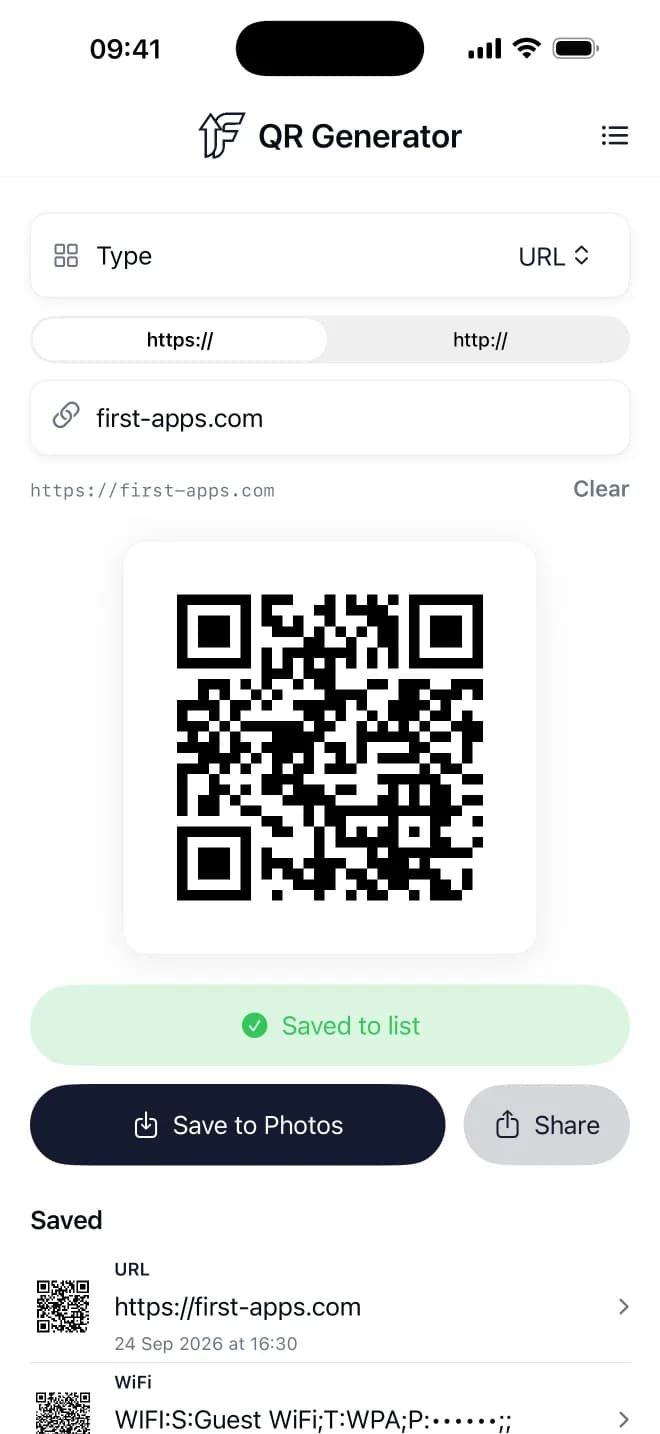
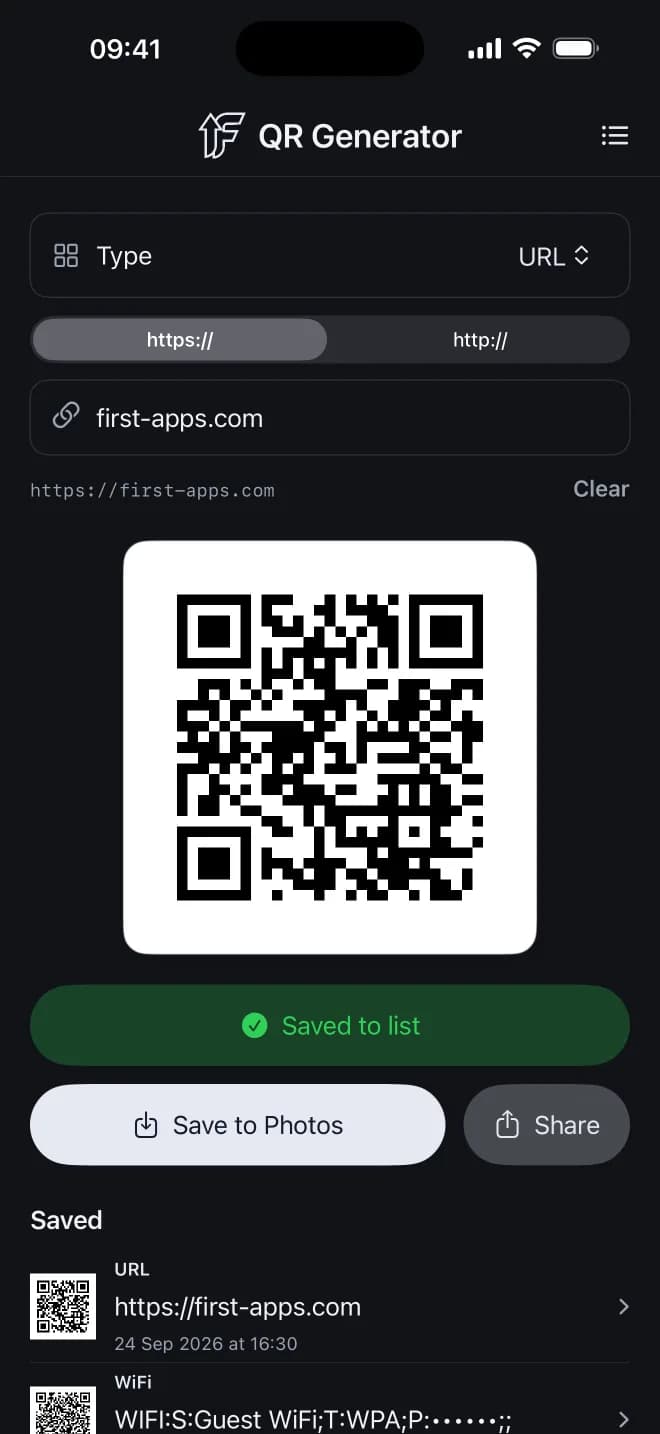
Updates as you type
The code redraws with every keystroke, and the exact text it encodes is shown underneath, so you know what people will get when they scan.
Seven code types
Links, WiFi logins, phone numbers, text messages, email, map locations and plain text. Pick a type and fill in simple fields.
Your saved list
Keep the codes you use often. Open one to see it again, or tap Edit to change it. Saving the same code twice updates it instead of making a copy.
Save and share
Save to Photos or send through AirDrop, Messages, Mail or any app. Files are named after their content, like "WiFi HomeNet.png".
Built to scan
The highest error correction level (H) and a wide white border keep codes readable on flyers, menus and stickers, even when slightly damaged.
Private by design
No account, no tracking, no ads, no network. Your codes are stored only on your device, and WiFi passwords are masked on screen.
Take a look
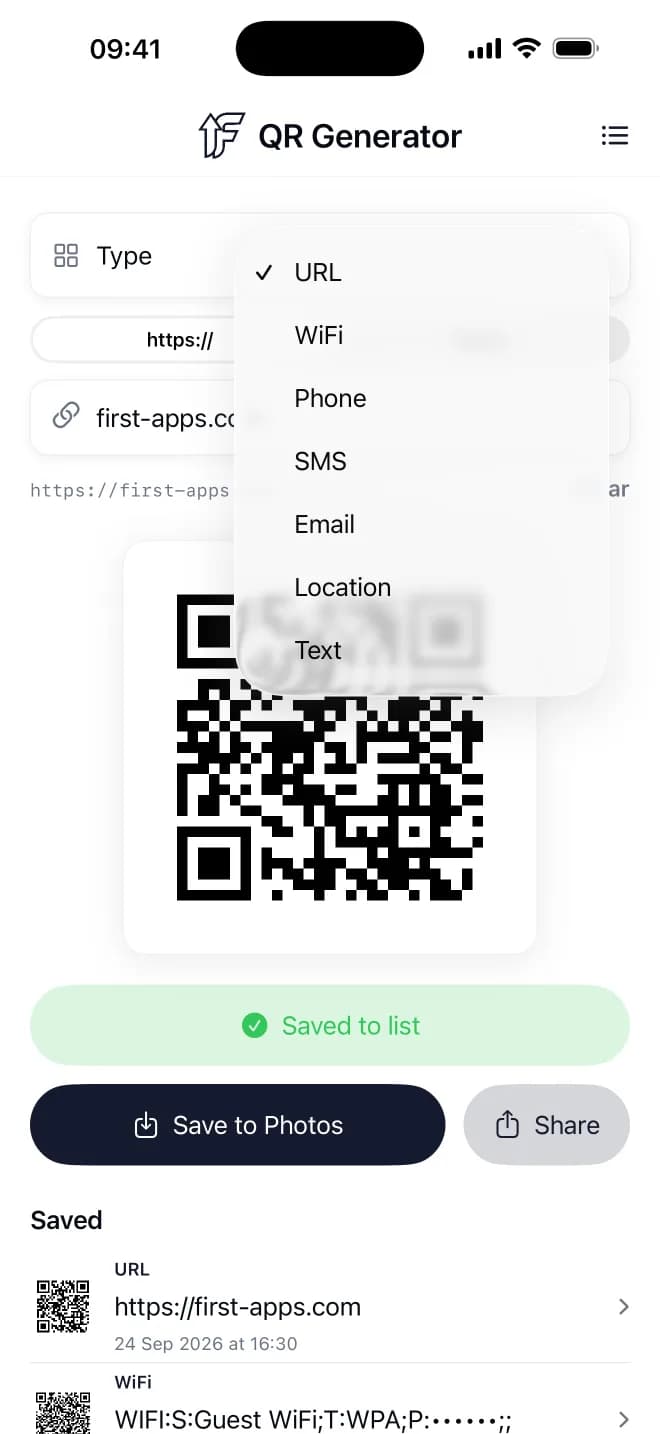
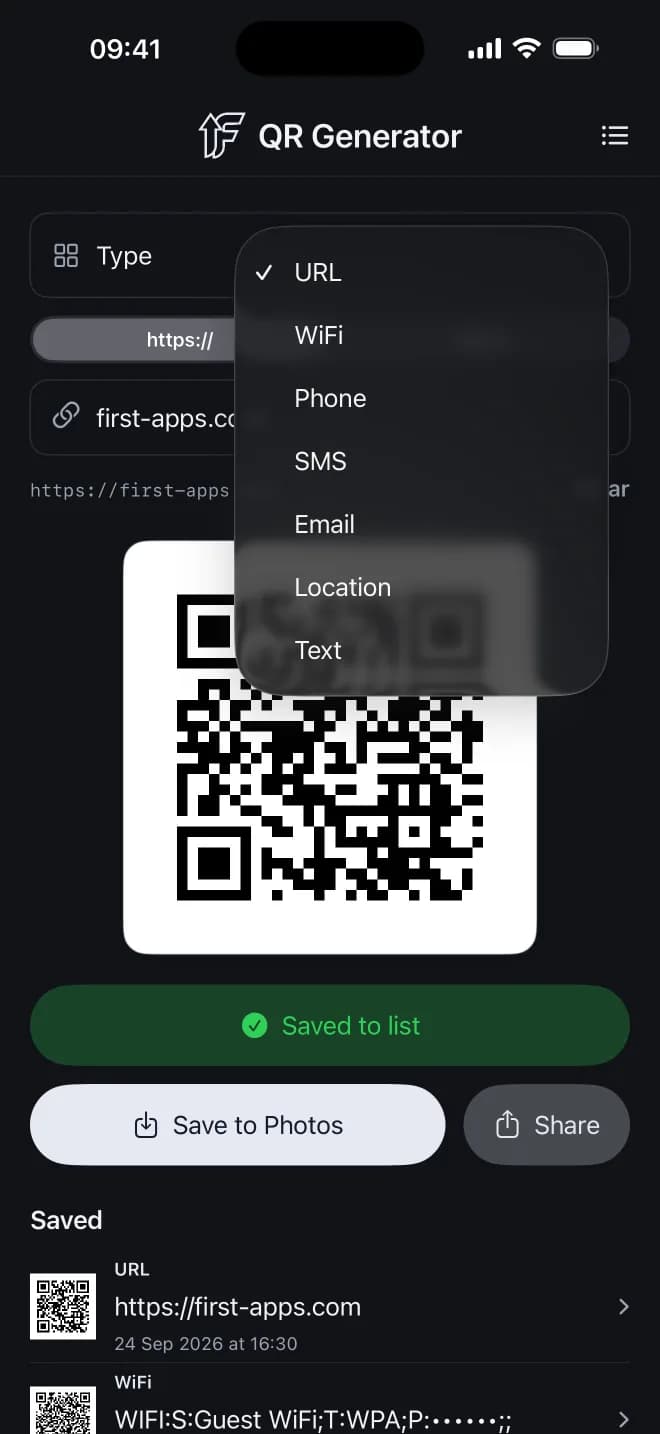
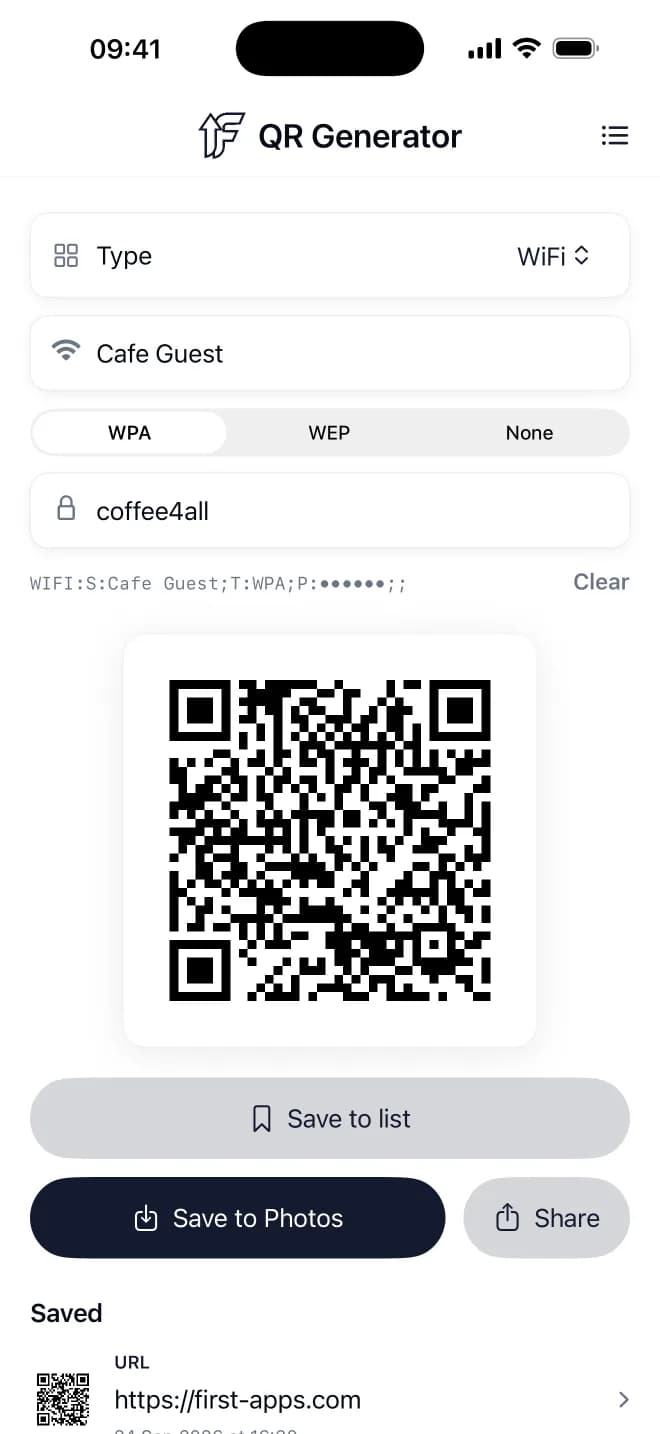
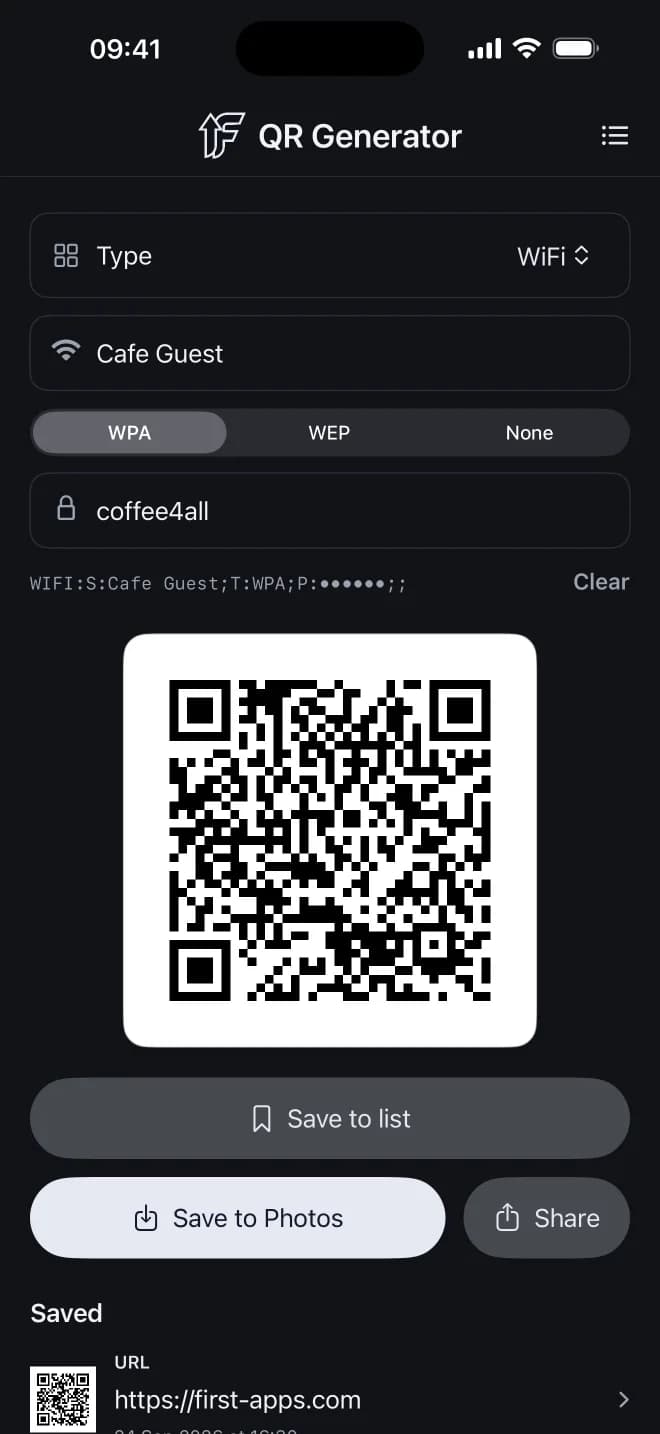
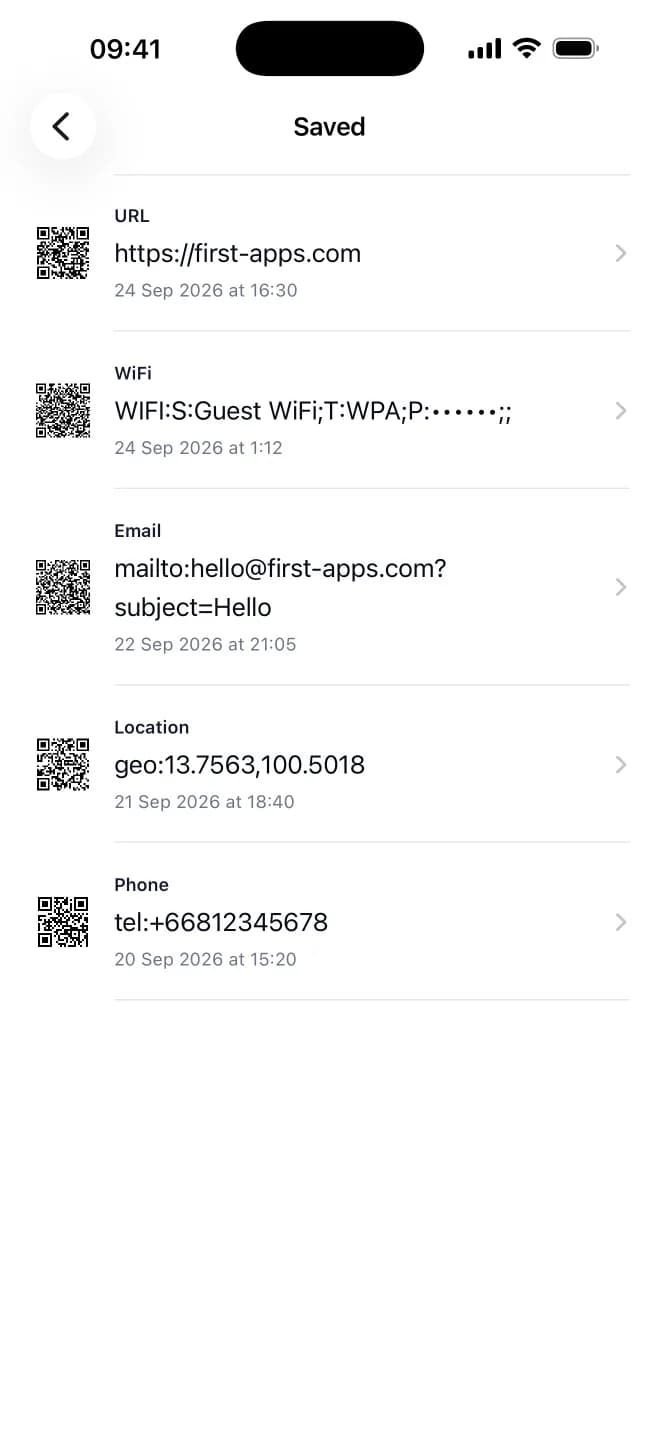
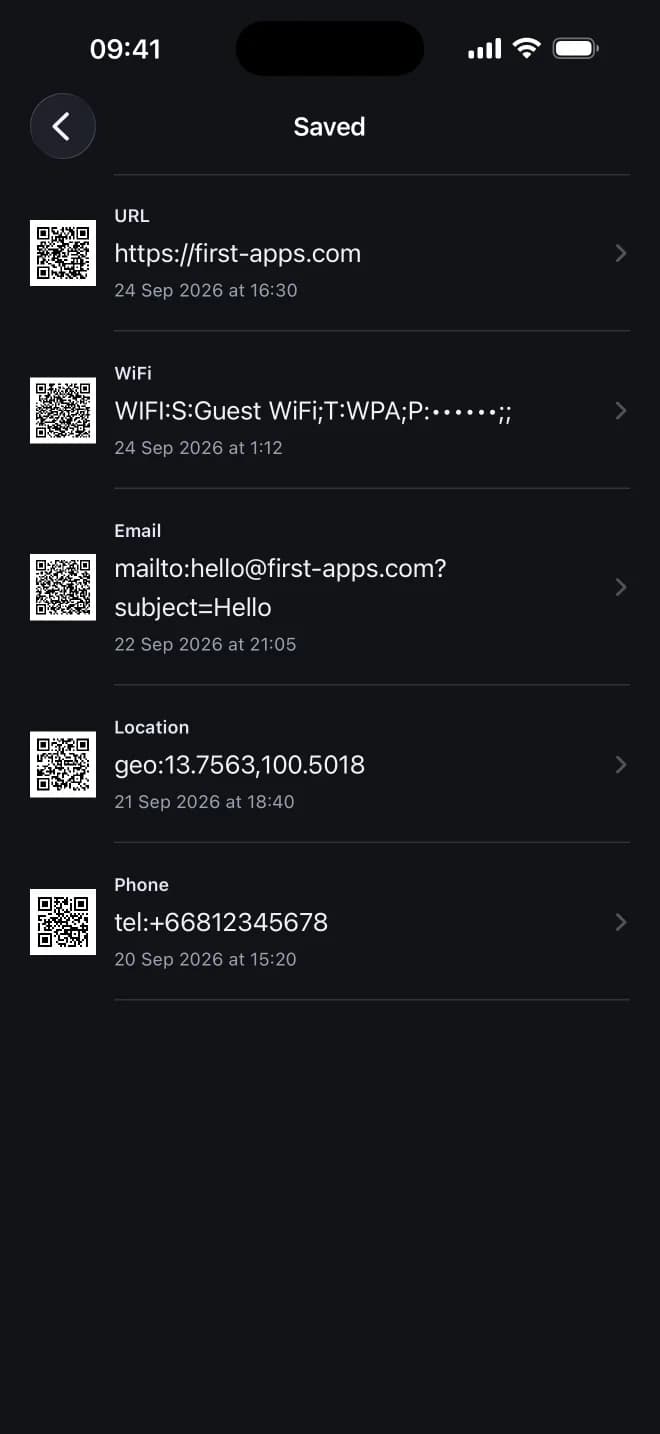
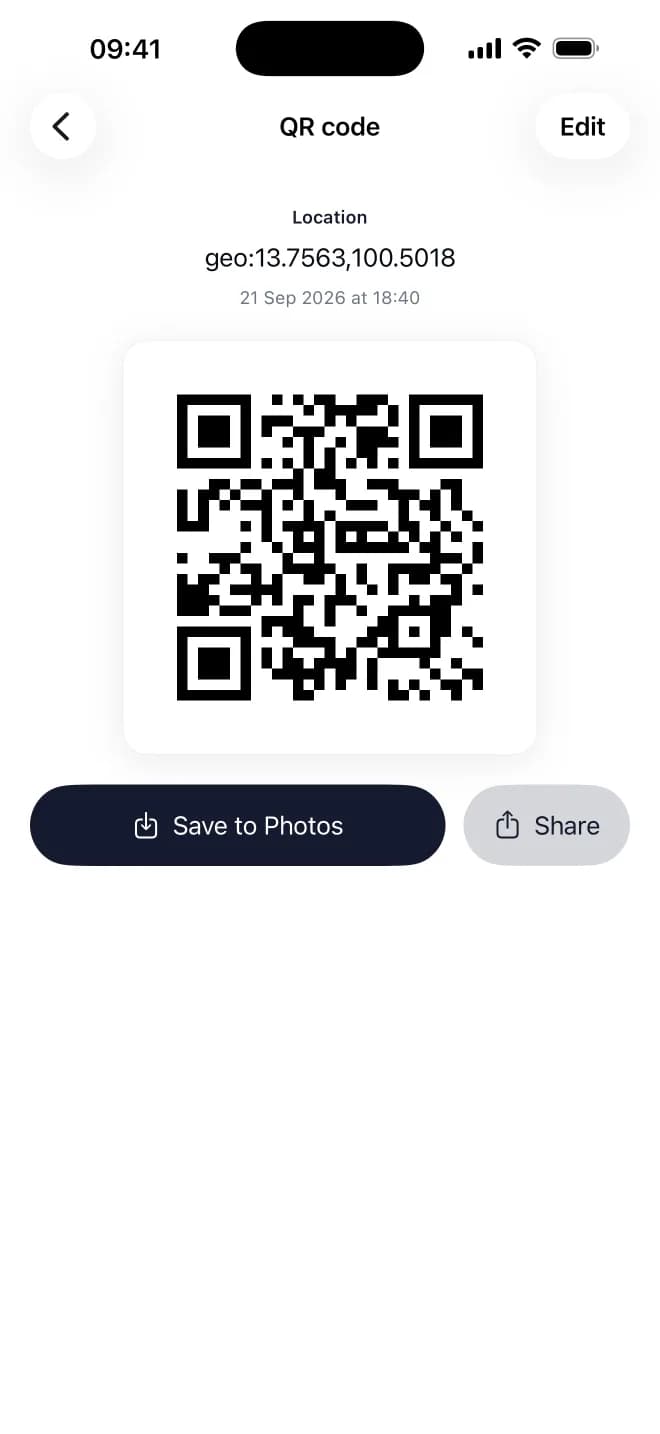
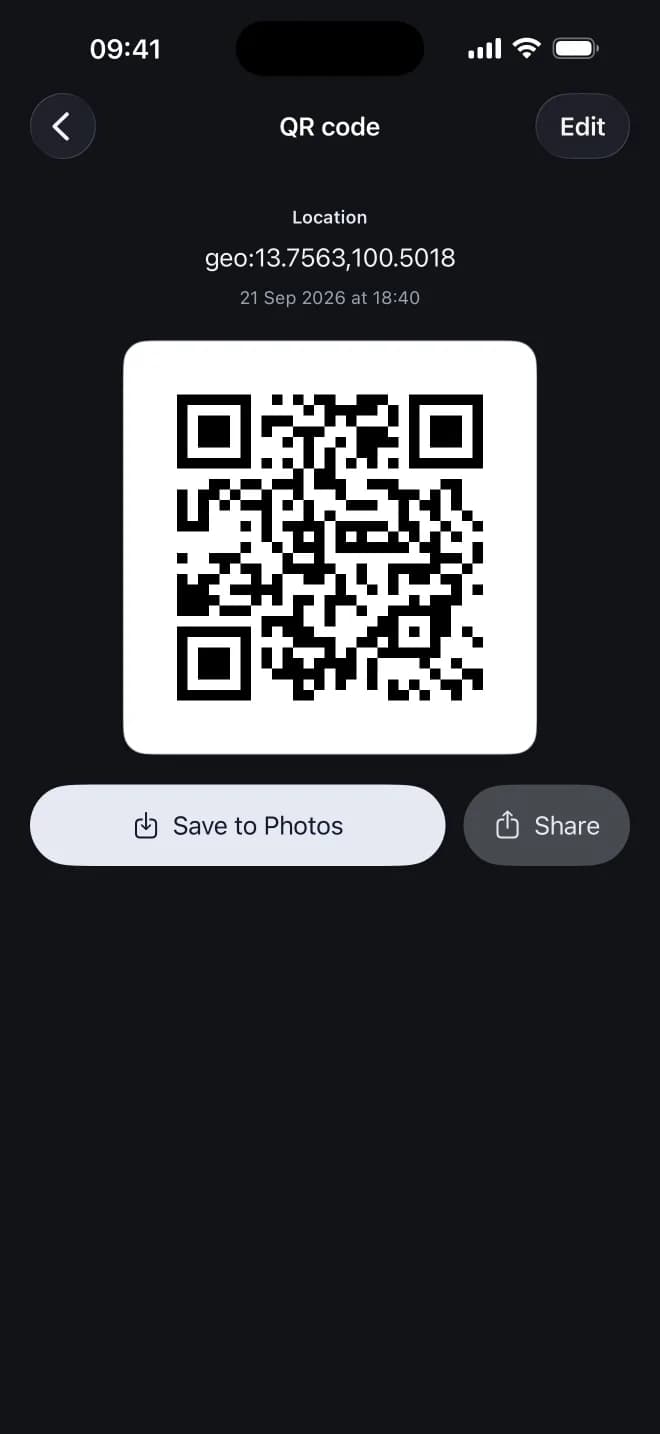
One app, seven kinds of code
Every type creates a standard QR code that the iPhone and Android cameras understand.
- Link
- Any web address, with an https:// or http:// switch.
- WiFi
- Network name and password. Guests scan and join, no typing needed.
- Phone
- Scanning starts a call to the number.
- SMS
- Opens a text message to your number, ready to send.
- Opens a new email to your address.
- Location
- Latitude and longitude that open in the scanner's map app.
- Text
- Any short note, shown as plain text when scanned.
How it works
- 1
Choose a type: link, WiFi, phone and more.
- 2
Fill in the fields. The QR code updates as you type.
- 3
Save it to Photos, share it, or keep it in your list.
Questions and answers
Is it really free?
Yes. Every feature is free, with no ads and no subscription. If you like the app, you can leave an optional tip as a thank you, but you never have to.
Do I need an account?
No. Open the app and start making codes.
Does the app collect my data?
No. It does not track you and does not need the internet. Saved codes are kept only on your device and are not synced.
Will my QR codes stop working?
No. The content is stored inside the code itself, not on a server, so the code works for as long as the link or details in it are valid.
Can I print the codes?
Yes. Exports are crisp PNG images of about 1024 pixels with a wide white border, sharp enough for flyers, menus and stickers.
How much can one code hold?
Up to about 1,270 characters. If you go over, the app tells you instead of making a code that won't scan.
Can I make a contact card (vCard)?
Not yet. Today the app supports links, WiFi, phone, SMS, email, location and text.
 100% free
Make your first QR code
Free on iPhone and iPad. No account, no ads, no tracking.
Download on the App StoreSee all our apps