First Apps Work
iPhone, iPad and web · Version 1.0
Every follow-up done. For you and your team.
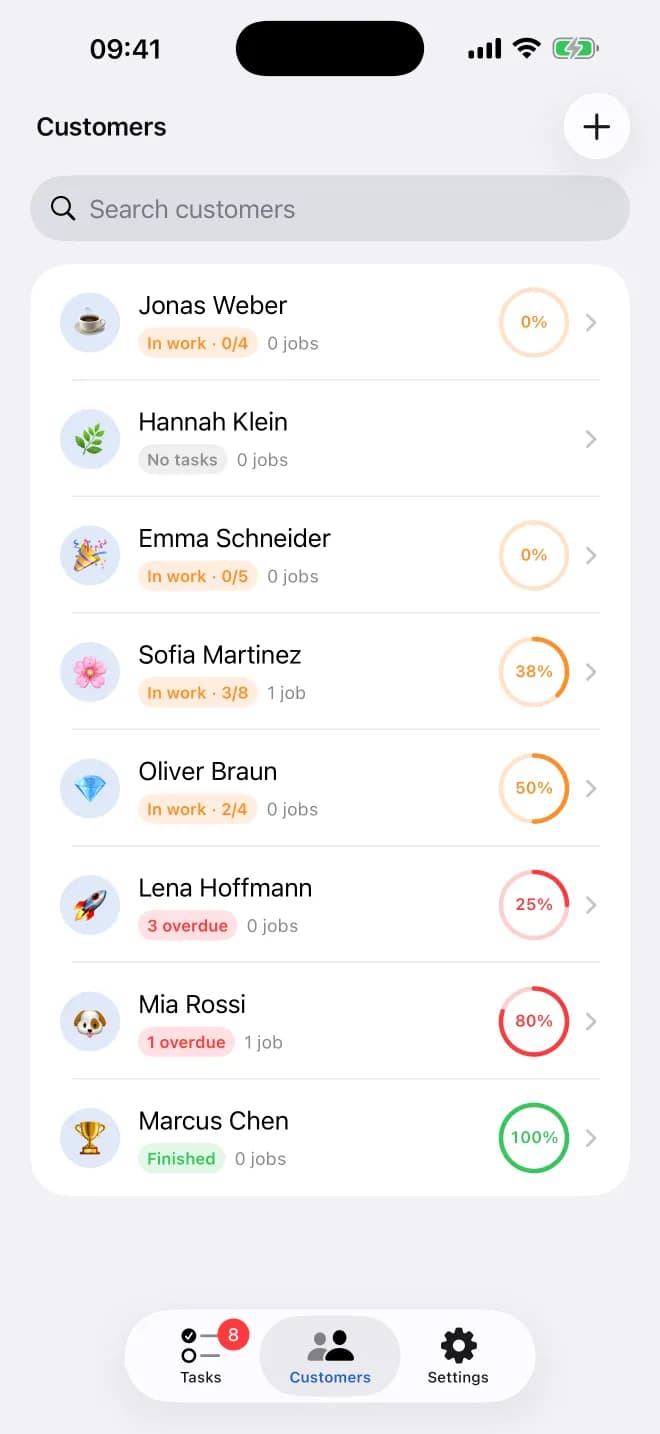
Your tasks, customers and team in your pocket. The iPhone and iPad app uses the same account as the web, so everything you do on the go is there on first-apps.com too.
- Today's tasks and customers on iPhone and iPad
- Same account and data as the web
- Sign in with Apple, lock with Face ID
Launching soon on the App Store
We're putting on the finishing touches. The download link will appear right here.
Made for the iPhone
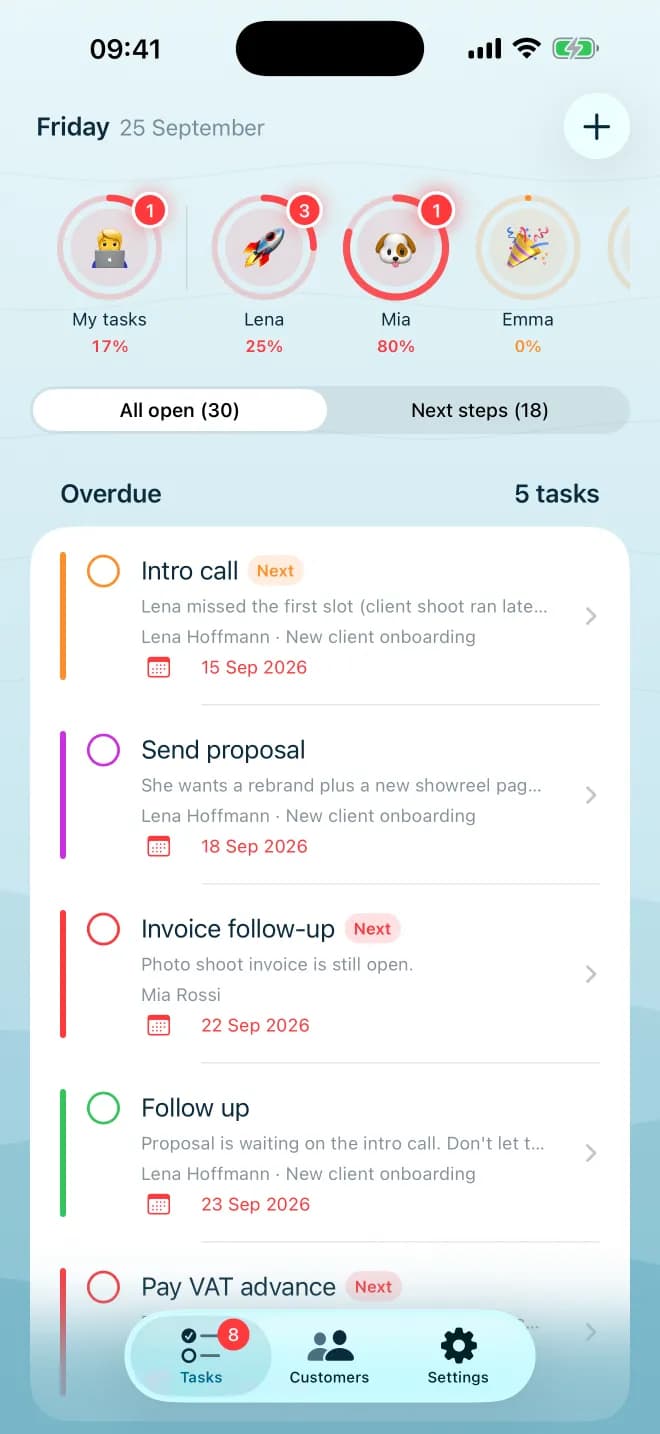
Your day at a glance
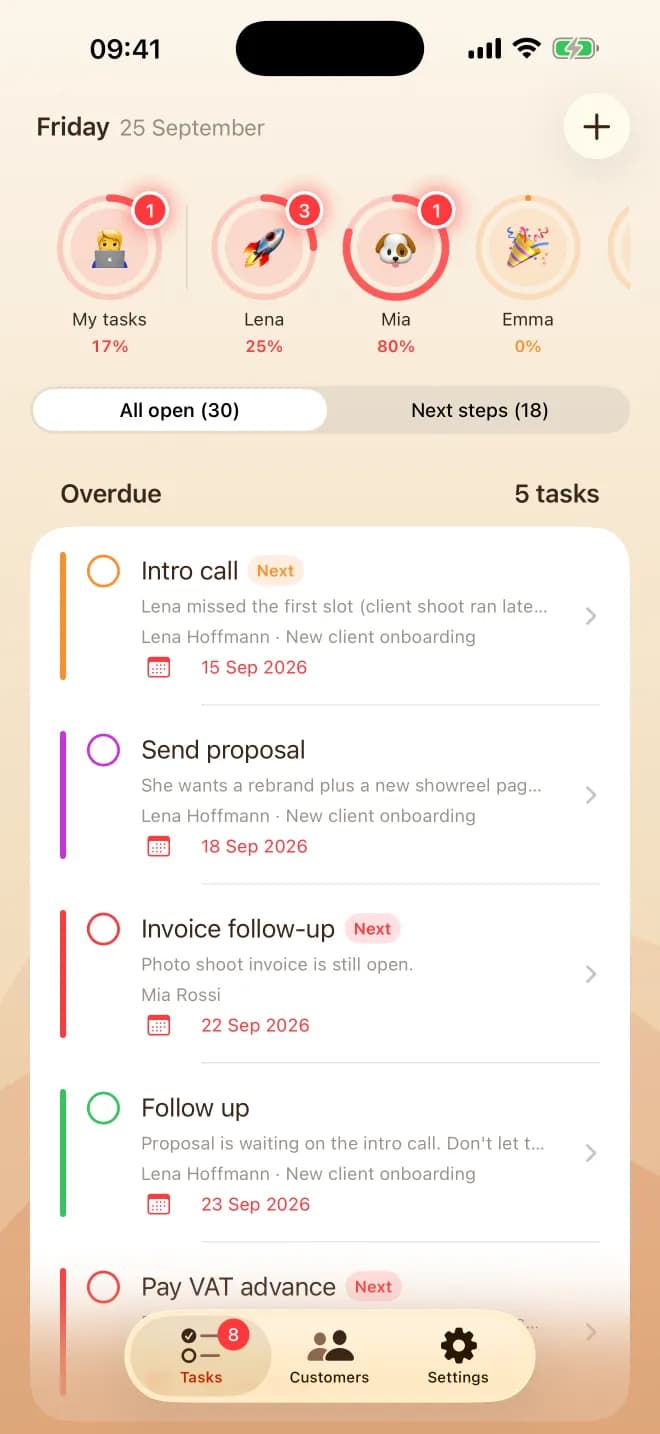
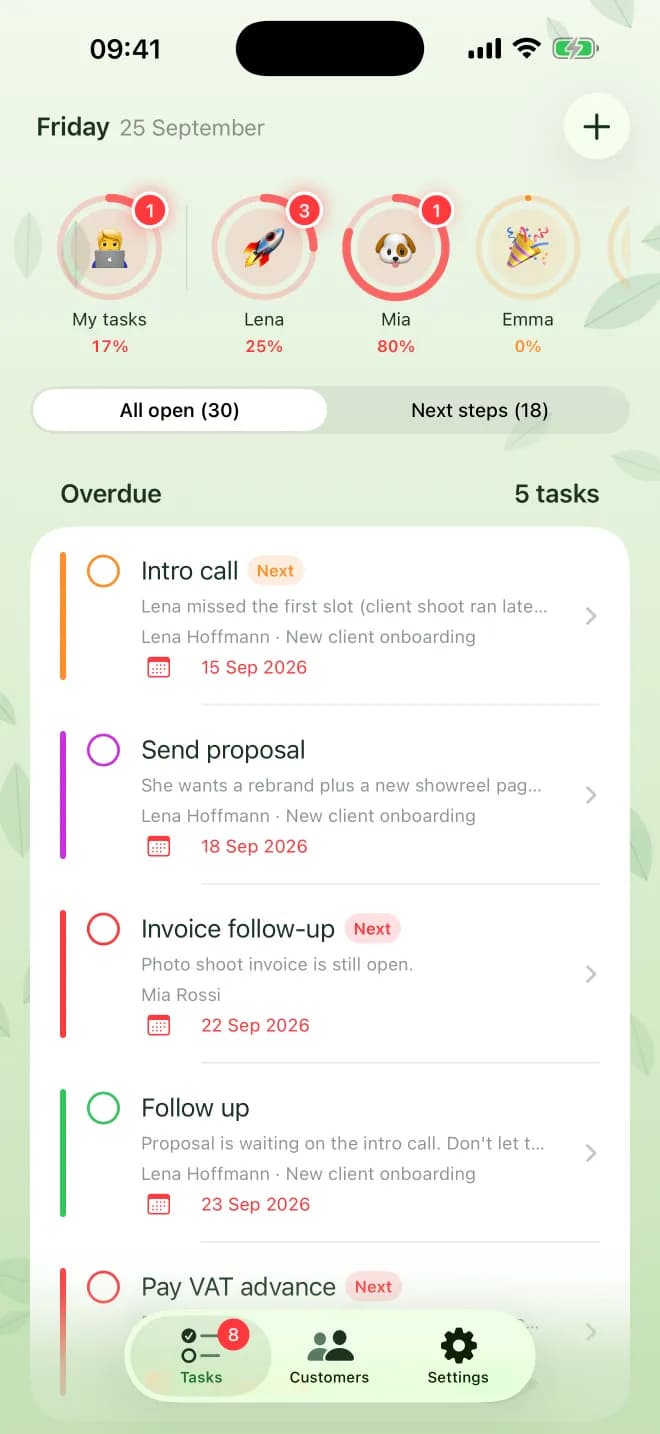
Open the app and see what's due today, with overdue tasks first. Check them off with a tap.
Add a task in seconds
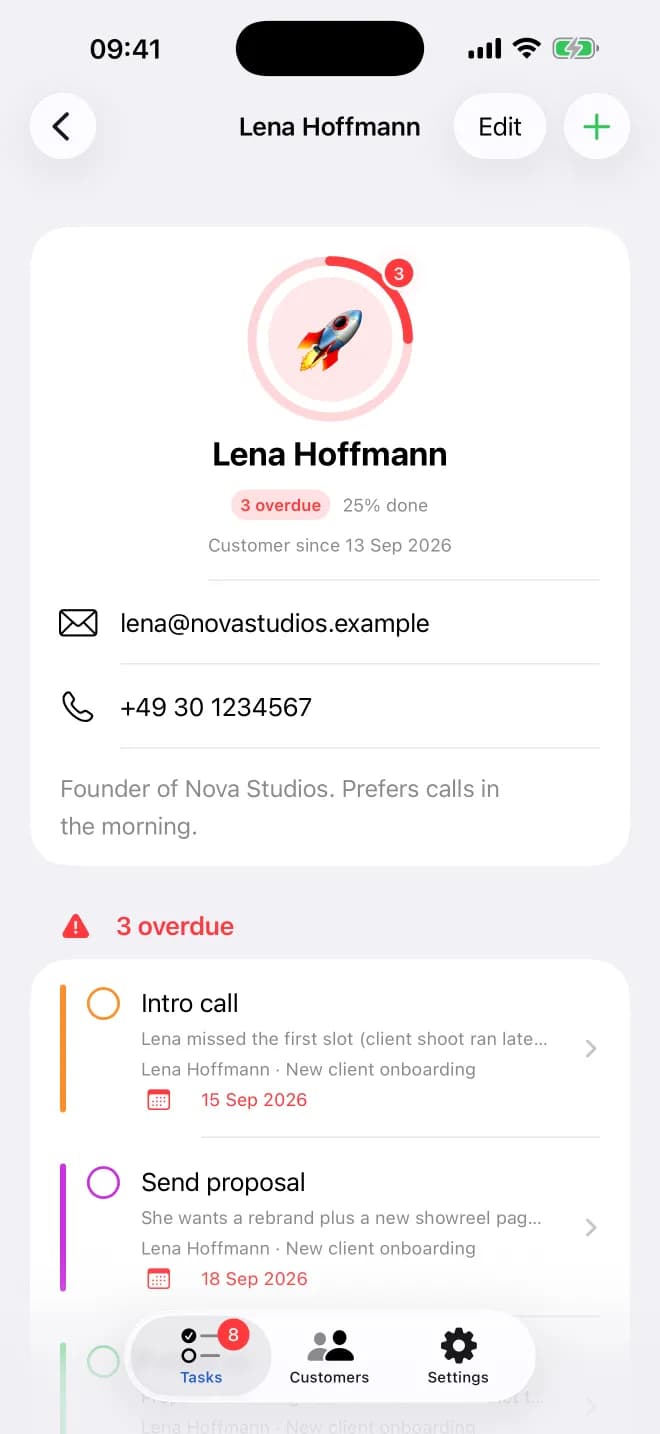
Jot down a task right after a call or meeting, with a due date and the customer it belongs to.
Your team, on the go
Hand tasks to a colleague or group and filter to see only your own. Owners invite and manage the team in the app.
Same account as the web
Sign in with your First Apps account. Customers, tasks and workflows stay in sync with first-apps.com.
Apple sign-in and Face ID
Create your account with Apple or email, and lock the app with Face ID.
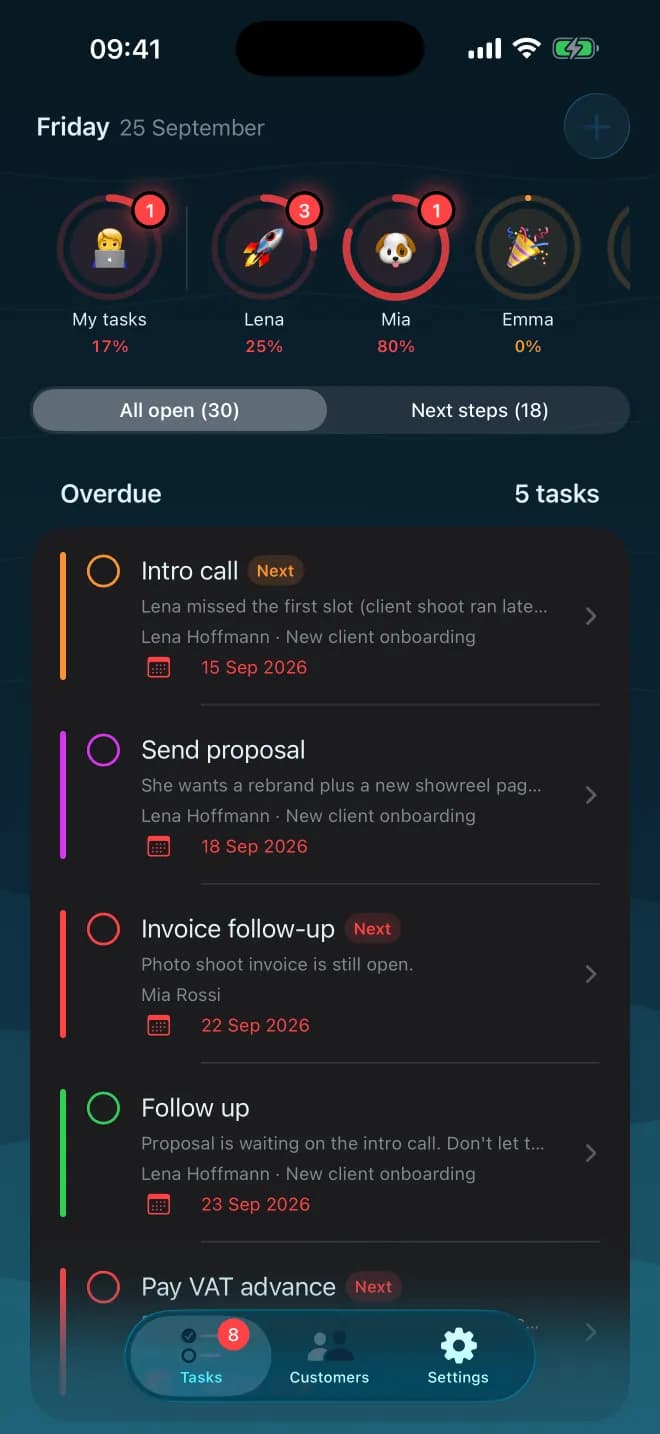
Four themes, light and dark
Default, Ocean, Desert or Garden, each in light and dark mode.
Take a look
Everything Work can do
Workflows that plan every step, ready-made templates, real use cases and pricing: all on the First Apps Work page.
How it works
- 1
Download First Apps Work from the App Store.
- 2
Sign in with your First Apps account, or create one with Apple or email.
- 3
Your customers, tasks and team are there, the same as on the web.
Questions and answers
When is it available?
Soon. Version 1.0 is almost ready, and the App Store link will appear on this page as soon as it is live.
Do I need an account?
Yes. Sign up in the app with Apple or email. Your workspace starts with a free trial.
Does it work with the web version?
Yes. Sign in with the same account on first-apps.com and see the same customers, tasks and team.
How does the subscription work?
After the trial, the workspace owner subscribes in the app or on the web. Team members don't need their own subscription.
Which iOS version do I need?
iOS 17 or later, on iPhone or iPad.
Where can I get help?
See the support page at first-apps.com/help/work or email [email protected].
 Launching soon
Never miss a follow-up again
The iPhone and iPad app is launching soon. Until then, use First Apps Work on the web.
Launching soonSee all our apps